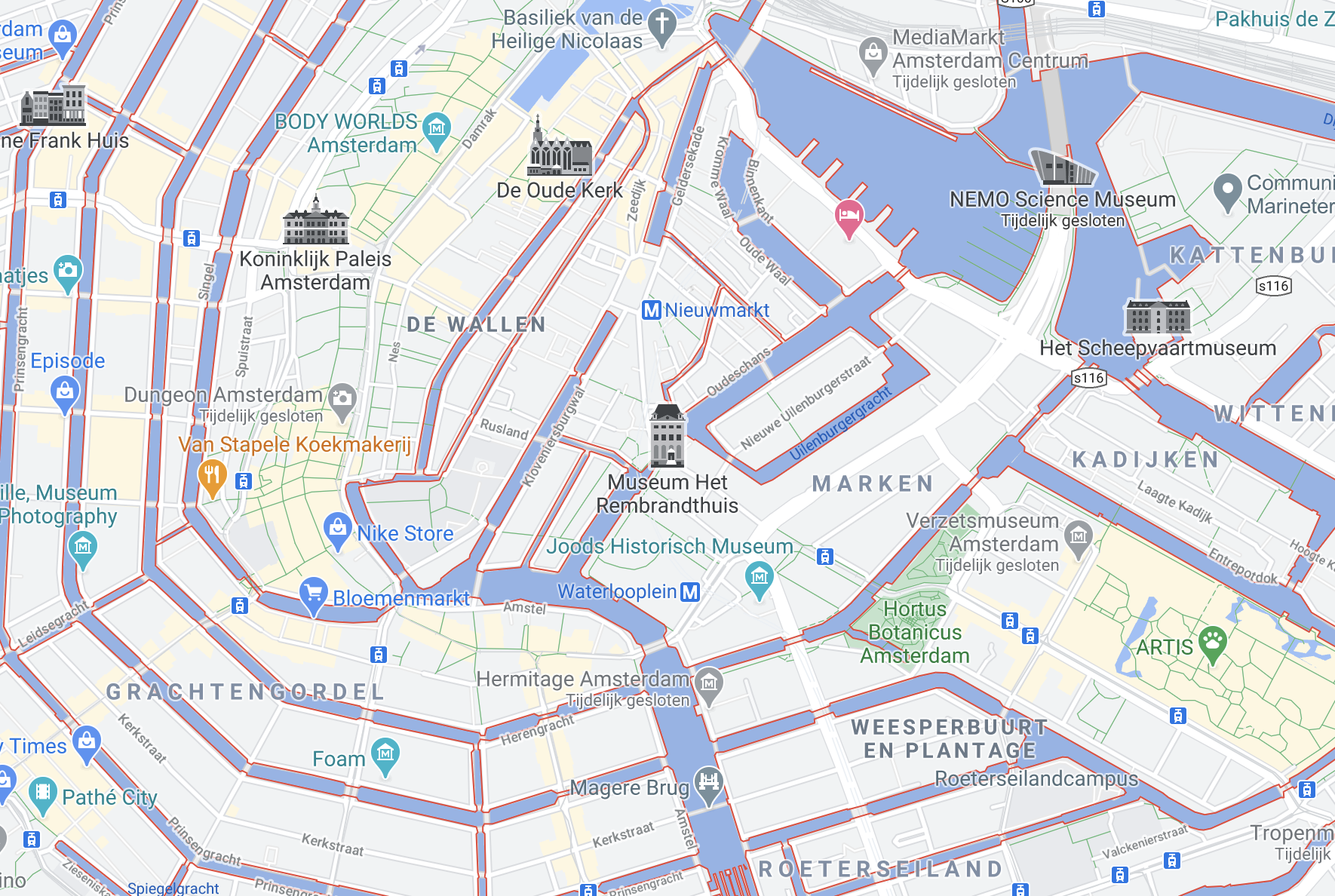
Offline map .
The google Maps app has a function where you can download maps and then use them offline.
How to:
- Open the Google Maps app on your Android phone or tablet, or click the button above
- Make sure you are connected to the internet and signed in to Google Maps
- Search for a place, for example Amsterdam
- At the bottom, tap the name or address of the place Download. If you searched for a place, such as a restaurant, tap More > Download offline map > Download